
Description
Introducing AJA KUMO-CP
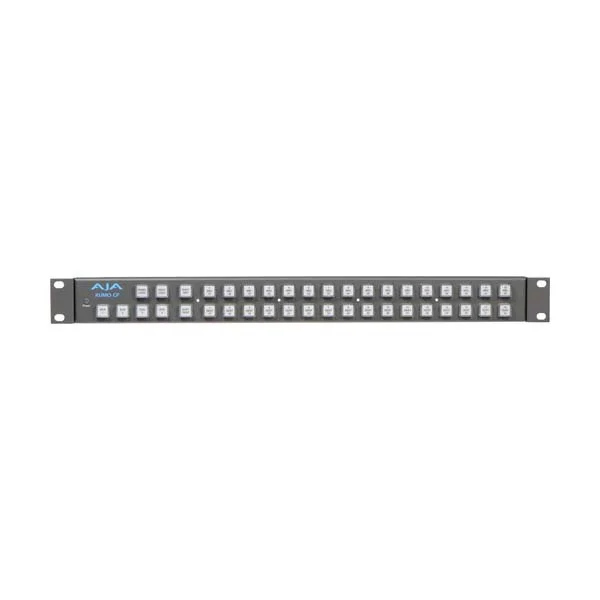
The AJA KUMO-CP is a control panel that allows for easy and intuitive control of up to four AJA KUMO 1604, 1616, and 3232 routers via an Ethernet connection without the need for a computer. While individual ports can be routed, group routing of dual and quad ports also enables dual- and quad-link SDI routing for raw HD and 4K material. The KUMO-CP control panel has 40 buttons and allows selection of up to 32 sources and 32 destinations on each of the four KUMO routers in standalone mode or via an integrated graphical interface accessible from any web browser on the network. For standalone configurations, all KUMO routers can be connected directly using standard RJ45 cables or, if necessary, through a network switch. The KUMO software will automatically detect and assign routers to control panel delegations, so your routing system is immediately ready to use. In a network environment, the integrated web interface provides all the configuration commands to create precisely the setup you need. The AJA KUMO-CP buttons can also be customized to suit your requirements. Text labels and colored inserts can be used to identify different sources, destinations, and routers for quick and easy use. To get started, you can download a free lens chip template from the AJA website, which can be printed in color and cut out to create an insert for each button. The thin paper or film will be illuminated by the button for easy identification, even in dark machine rooms or editing suites.
Key features of the KUMO-CP control panel
- For KUMO routers 1604, 1616 and 3232
- Intuitive push-button interface
- No computer required
- Connecting to the local network via Ethernet


