
Description
Introducing the Blackmagic Design DaVinci Resolve Advanced Panel
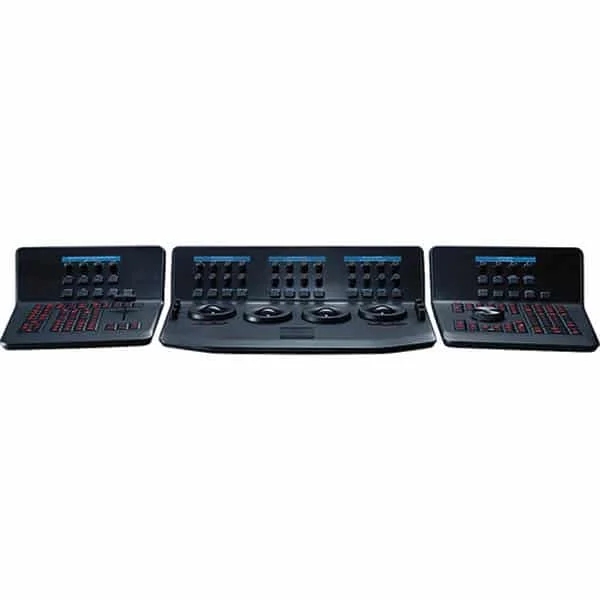
The Blackmagic Design DaVinci Resolve Advanced Panel consists of a main console and two auxiliary consoles, one on each side, as well as a keyboard in the center console.
It provides direct access to virtually all of DaVinci Resolve’s controls and settings. The central console features four high-resolution weighted trackballs and 30 customizable soft-touch buttons for accessing color correction tools within Resolve. The customizable buttons offer 4,096 rotation steps and a push-button reset, allowing for precise, high-quality color correction using the DaVinci Resolve system.
The Resolve control surface includes a slide-out keyboard, useful for naming or renaming files. All functions are accessible via separate keys, such as the reference keys and the fader’s T-bar.
Highlights of the DaVinci Resolve Advanced Panel
- High-resolution screens
- Professional control balls
- Illuminated buttons
- Multifunction dials
- Quick tool change
- Media library management
- Sliding Keyboard
- Various power options


